


本项目致力于构建基于Transformer架构的统一多模态学习框架,通过创新的注意力机制和预训练策略,实现视觉和语言信息的深度融合。该框架在图像描述生成、视觉问答、跨模态检索等任务上展现出卓越性能。
本项目的核心技术包括:
You can also put regular text between your rows of images, even citations (missing reference). Say you wanted to write a bit about your project before you posted the rest of the images. You describe how you toiled, sweated, bled for your project, and then… you reveal its glory in the next row of images.
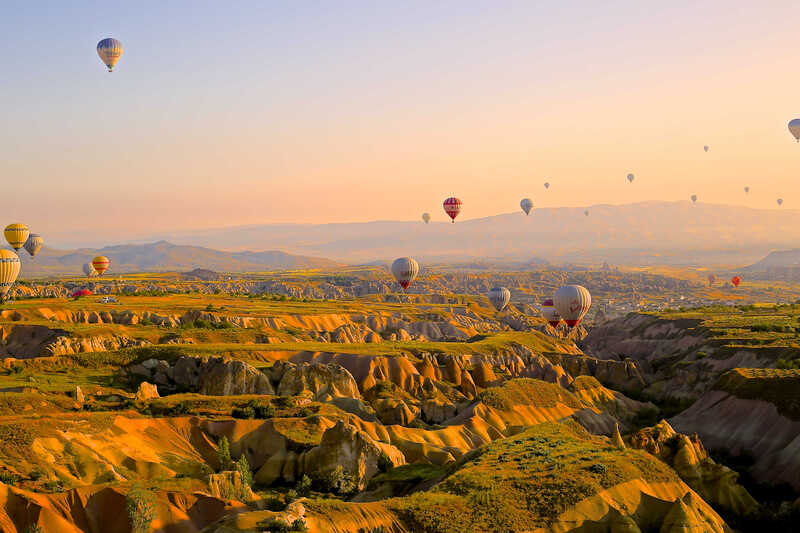

The code is simple. Just wrap your images with <div class="col-sm"> and place them inside <div class="row"> (read more about the Bootstrap Grid system). To make images responsive, add img-fluid class to each; for rounded corners and shadows use rounded and z-depth-1 classes. Here’s the code for the last row of images above:
<div class="row justify-content-sm-center">
  <div class="col-sm-8 mt-3 mt-md-0">
    {% include figure.liquid path="assets/img/6.jpg" title="example image" class="img-fluid rounded z-depth-1" %}
  </div>
  <div class="col-sm-4 mt-3 mt-md-0">
    {% include figure.liquid path="assets/img/11.jpg" title="example image" class="img-fluid rounded z-depth-1" %}
  </div>
</div>